Agent management
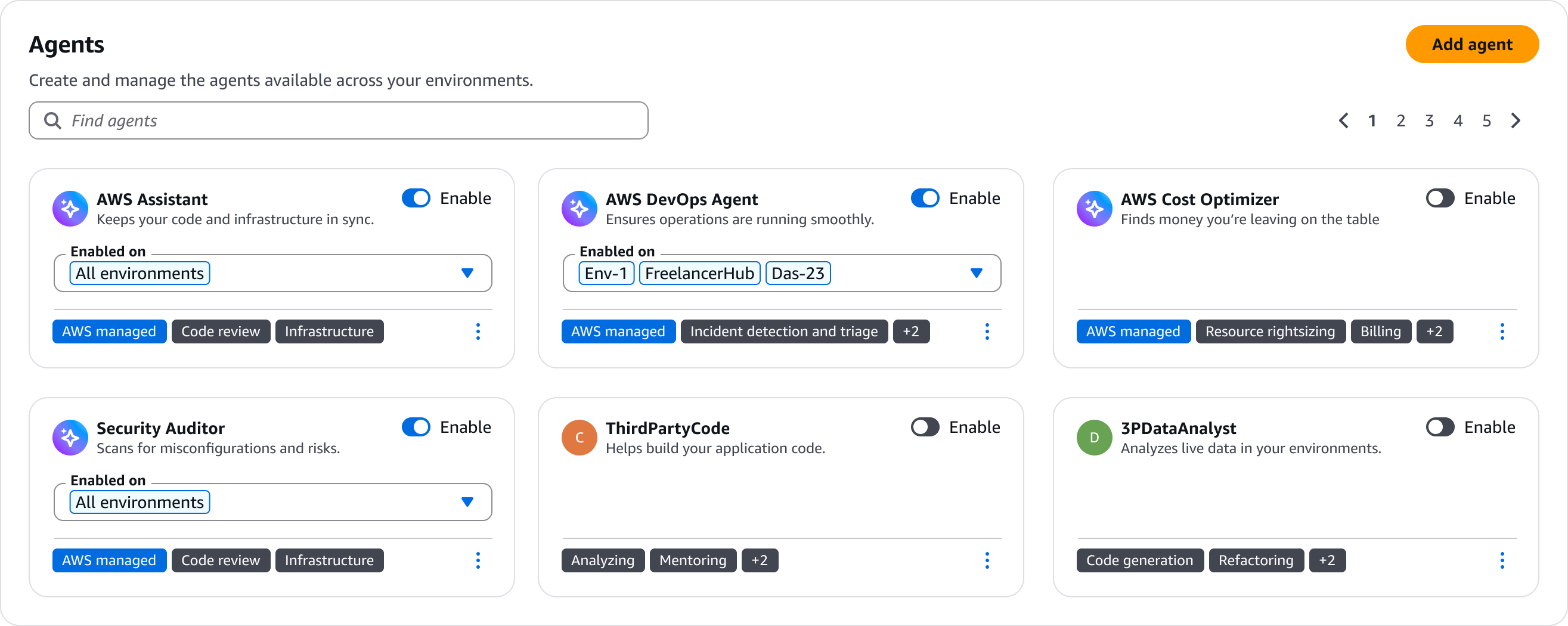
A pattern for browsing, enabling, and scoping AI agents available to a user or organization.
A pattern for browsing, enabling, and scoping AI agents available to a user or organization.
Agentic experiences require users to have control and reinforce trust. Ensure users have full control and agency over which agents are active across an application and its functions. For example, ensure users can add, remove, enable and disable any given agent across their application.
Users should be able to define and adjust what an agent can access and act upon. Make permissions explicit and editable, not buried in setup flows. Users should understand what an agent can do before it does it.
All key aspects of an agent such as its name, source, capability and current status should be made available to a user so they can assess and manage agents across all of their environments.
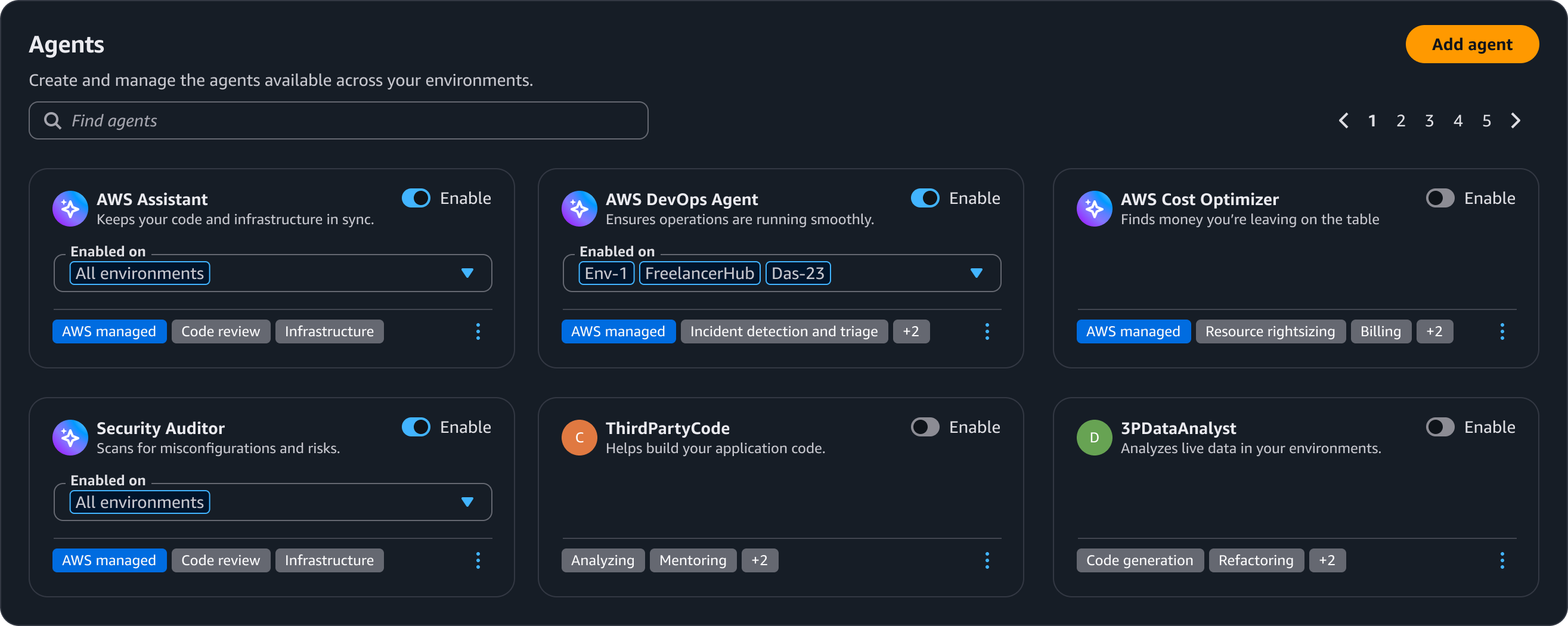
Use header to display the purpose of this page. Use description text to communicate the purpose of this page. Refer to writing guidelines for more about the header.
Let users search for an agent by name, type, capability or status. Use property filter to enable users to find agents across this page.
Enable a user to add new agents via a button in the page header. Refer to writing guidelines to learn more about button labels.
Use cards component to configure individual agent cards with requisite metadata. Give each agent a surface so users can understand and manage in a single view.
Agent Identity: Lets users recognize an agent. Display an avatar, label, and source to identify an agent.
Enablement: Use the toggle to enable and disable an agent.
Description: A brief description of the agent.
Capabilities: Use a badge to showcase the agent’s capabilities.
Scope: Enable users to control where an enabled agent can act.
Use sentence case, but continue to capitalize proper nouns and brand names correctly in context.
Use end punctuation, except in headers and buttons. Don’t use exclamation points.
Use present-tense verbs and active voice.
Don't use please, thank you, ellipsis (...), ampersand (&), e.g., i.e., or etc. in writing.
Avoid directional language.
For example: use previous not above, use following not below.
Use device-independent language.
For example: use choose or select not click.
Keep headings short. Use a title with sentence case, and no end punctuation. Follow the writing guidelines for header.
For example: Agents
Use one short sentence description that describes the page’s purpose.
Use an action verb plus a proper noun for the label. Follow the writing guidelines for button.
For example: Add agent
Don’t use terminal punctuation (period, exclamation point, question mark, colon) for button labels.
Follow the guidelines on alternative text and Accessible Rich Internet Applications (ARIA) regions for each component.
Make sure to define ARIA labels aligned with the language context of your application.
Don't add unnecessary markup for roles and landmarks. Follow the guidelines for each component.
Provide keyboard functionality to all available content in a logical and predictable order. The flow of information should make sense.